What should drive the choice?
Choose AP9640 for a supported UPS that needs network management without external environmental sensor ports. Confirm the exact UPS and firmware application before ordering.
Research based on linked manufacturer documentation. We have not physically tested this equipment.
Start with the UPS, not the card
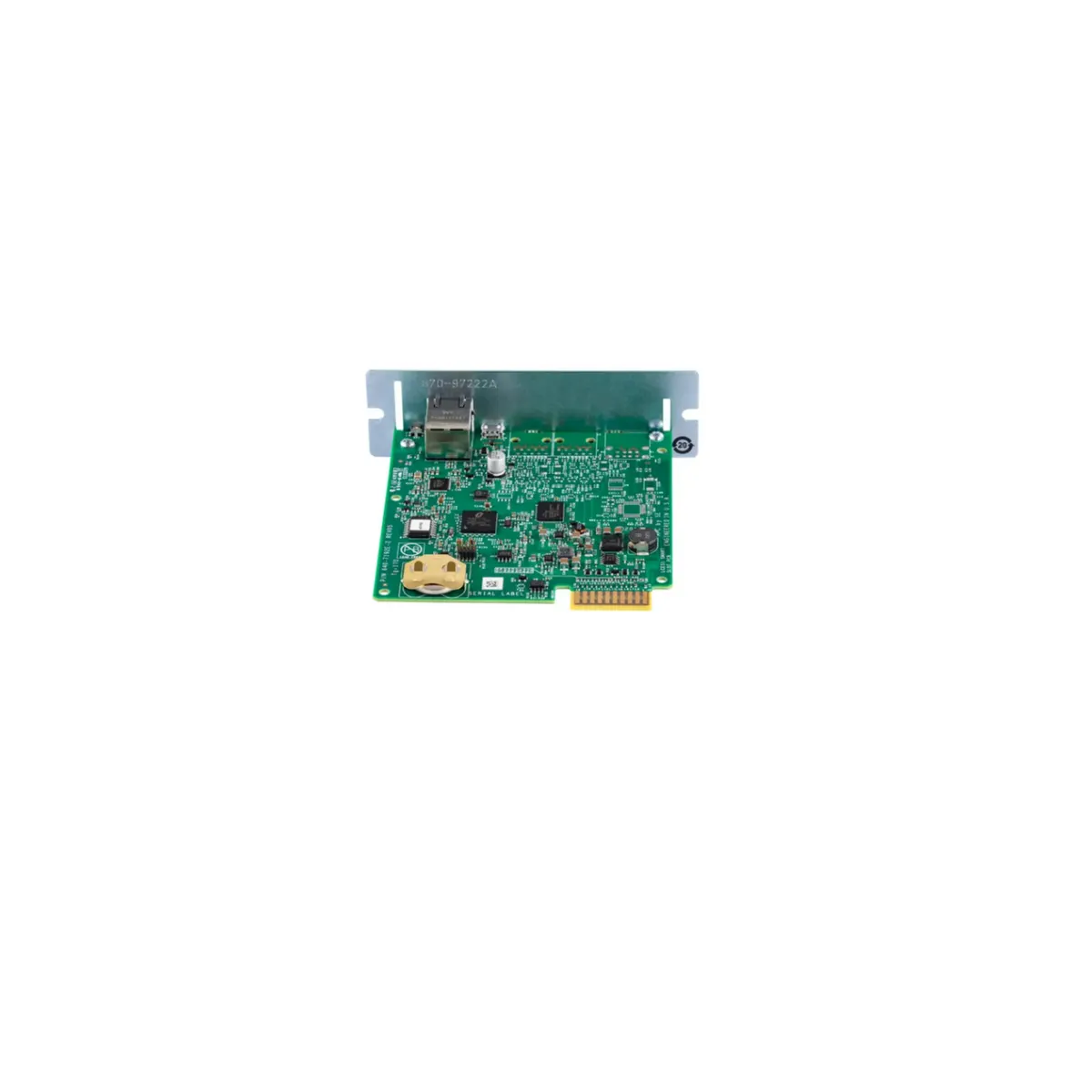
The APC AP9640 is a Network Management Card 3 accessory intended to add supported network monitoring and management to compatible UPS equipment. It is not a universal Ethernet adapter for every APC product, and it does not turn a basic PDU into a switched one. The buying decision starts with the complete UPS model, its firmware and its supported accessory slot. Only then does comparing card features become useful.
The practical attraction is a management path that does not depend on a single host's USB connection. A supported deployment can make UPS information available to administrators and management tools over the network. That can be valuable in a rack with several servers or a remote location. It does not, on its own, prove that every connected operating system will shut down correctly or that a particular virtualization cluster is supported. Those outcomes need their own software and compatibility checks. This article is a documentation review, with no card installation or shutdown testing.
The compatibility gate
Use Schneider Electric’s current NMC compatibility chart before buying. The AP9640/AP9641/AP9643 row includes specified Smart-UPS families such as SMT, SMX and SRT, and it also contains exceptions and firmware conditions. For older SUA equipment, the chart calls out manufacture after 2008 and UPS firmware v1.4.2 or later. The presence of a SmartSlot alone is therefore insufficient evidence that a card will work in any older unit.
For a rack based on an SMT1500RM2UC, first confirm that complete model identifier and then use the SMT row and the UPS's current accessory documentation. Do not generalize from a similar non-C model or a listing that says Smart-UPS compatible. Schneider also notes that cards purchased separately ship with a Smart-UPS application file, while other supported systems can require a different application. Hardware recognition, the correct application and the desired management functions are distinct checks.
| Question | Evidence to collect | Why it matters |
|---|---|---|
| Exact UPS | Full model and serial label | Family names hide regional and generation differences |
| UPS firmware | Current installed revision | Some older models have explicit minimum versions |
| Card application | Correct package for the supported UPS platform | A physically compatible card can still need the correct software |
| Required workflow | Monitoring, notifications and supported shutdown software | Network access alone does not prove host integration |
| Environmental sensors | Whether external probes are needed | AP9640 has no universal I/O ports in the accessory chart |
AP9640 or AP9641?
The most useful distinction is external environmental monitoring. The manufacturer's sensor compatibility table gives AP9640 no universal input/output ports, while AP9641 has two universal I/O ports and listed compatible accessories. If temperature, humidity or a supported contact input belongs in the UPS management plan, compare AP9641 and the required sensors as a complete package. Do not buy AP9640 expecting an unused network-looking connector to accept an arbitrary environmental probe.
AP9640 can still be the appropriate card when the site already has a separate environmental monitoring system or simply does not need those inputs. Avoid paying for duplicated capability without a clear operational reason. Conversely, a small initial saving is not useful if the project later requires replacing the card to add sensors. Write the likely requirements for the service life of the rack, including who will respond to an environmental alarm, before choosing the lower-feature variant.
Include firmware maintenance in the purchase
The current AP9640 product page advertises an included one-year Secure NMC System subscription. Schneider's Network Management Cards page explains the Secure NMC System update offering. Treat the entitlement, activation process and renewal arrangement as part of ownership. Do not assume that an old marketplace description accurately describes the firmware update terms for a new card, a used card or a previously activated subscription.
Ask the supplier to distinguish the hardware, any included entitlement and optional monitoring services. These are not interchangeable purchases. Record the activation information securely and assign responsibility for renewal and updates. The buyer needs a supported way to maintain the management endpoint after the first deployment. This review does not quote a subscription price, claim an entitlement transfers with used hardware or recommend freezing firmware to avoid update costs.
Network monitoring is only one part of shutdown planning
A card can expose useful UPS state without automatically providing a tested shutdown design for every load. Inventory physical hosts, virtualization platforms, storage dependencies and network devices that must remain running during an orderly shutdown. Then check the relevant Schneider software documentation, supported operating systems and licensing conditions. The order matters because shutting down a management host or storage service too early can prevent other components from completing their work.
Distinguish an alarm from an action. A notification that input power has failed may reach an administrator but does not establish that applications will stop safely. Similarly, the ability to observe remaining runtime does not validate the runtime threshold used by a script. Test the agreed sequence under controlled conditions with the actual configuration. Do not use a product-page feature list as a substitute for an acceptance procedure.
Plan a reachable management path
Draw the path from the administrator to the card and identify which switches and routers it depends on. If those devices lose power before the UPS-managed hosts finish shutting down, the management design can become unavailable precisely when it is needed. Map their power connections, expected runtime and startup behavior. A card with an Ethernet port does not create out-of-band access or an independent network by itself.
Allocate an address and a descriptive device name, synchronize time and decide how alerts will be delivered and acknowledged. Keep credentials, configuration exports and firmware records under the organization's normal ownership process. Where supported, configure suitable secure protocols and disable unused services according to current documentation. These are operational recommendations; they do not mean that we have evaluated the card's implementation, certification scope or security in a particular environment.
Buying used cards needs extra questions
A used AP9640 can arrive with an unknown firmware revision, old configuration or no usable subscription entitlement. Request the exact model label and ask what the seller has actually verified. A photograph of a login screen proves very little about UPS communication, entitlement ownership or the behavior of a reset. Include time for an approved configuration reset, update and compatibility check rather than assuming the card will be production-ready on arrival.
Be equally careful with bundled UPS listings. A seller may show a card in a photograph while excluding it from the sale, or describe a family of units with different accessories. Confirm the contents in writing. Check whether an embedded network interface already satisfies the intended workflow before buying an additional card. An unnecessary accessory adds another configuration and support record without improving the operating outcome.
A concise AP9640 order checklist
- Capture the exact UPS model, serial range and installed UPS firmware.
- Check the current compatibility chart, including footnotes and required application.
- Confirm that external environmental sensor ports are not required.
- Verify new or used condition, included hardware and update entitlement.
- Check the separate shutdown software requirements for the actual hosts.
- Assign ownership of access, alerts, configuration backups and firmware maintenance.
Our AP9641 review covers the environmental-monitoring variant, while the AP9630 versus AP9640 comparison explains why a legacy card replacement requires more than matching the slot. Use those decisions to narrow the purchase before comparing seller offers.
Verdict
AP9640 is a focused management accessory for a supported UPS whose requirements do not include the AP9641's external sensor ports. Its value depends on compatibility, a maintained update path and a usable operating process. Get those three things right and the card can serve a clearly defined role. If the UPS is outside the supported list, the firmware plan is uncertain or the team needs environmental inputs, resolve those gaps before ordering.
Check the exact models
Confirm the model suffix, electrical configuration, seller, condition, included hardware and warranty. These are Amazon.com model searches; results can include alternatives.
Sources and research basis
- Schneider Electric US AP9640 product pagePrimary documentation · checked 15 October 2026
- UPS Network Management Card compatibility chartPrimary documentation · checked 15 October 2026
- Supported environmental accessories by NMC modelPrimary documentation · checked 15 October 2026
- Secure NMC System and subscriptionsPrimary documentation · checked 15 October 2026
Manufacturer specifications describe the documented configuration. Buying recommendations are our interpretation of those features. No original runtime, acoustic, efficiency, switching or software test is claimed. Report a correction.